

Free or Low-Cost AI Tools Every Latina Entrepreneur Should Have in Her Digital Toolkit in 2026
There’s a conversation that comes up often in groups of Latina entrepreneurs in the U.S. Someone mentions an artificial intelligence tool that changed the way they work. Another asks how much it costs. The answer is surprising: it’s free, or it costs less than a cup of coffee a month. And then comes the inevitable question: why hadn’t anyone told me this before?
That’s exactly the question this article exists to answer.
The ecosystem of AI tools has grown exponentially over the past two years, and a significant part of that growth has happened in the free or very low-cost segment. The same technologies that, until recently, were only available to large companies with substantial tech budgets are now accessible to anyone with a phone and an internet connection.
What’s missing, in many cases, isn’t access. It’s information about what exists, what it’s for, and how to use it in a way that creates real impact in a business.
This article is that map.
For Creating and Editing Written Content
ChatGPT by OpenAI remains, in 2026, one of the most versatile tools available for written content creation. Its free version allows users to generate text, edit, summarize, translate, and answer questions in Spanish with a quality that, just two years ago, would have required hiring a professional copywriter. The most useful use cases for small entrepreneurs include generating social media posts, writing professional emails, creating product descriptions, and generating content ideas for weeks of publishing.
Gemini by Google has the added advantage of being integrated into the Google ecosystem, meaning it can work directly within Google Docs, Gmail, and Google Sheets. For those already organizing their business within these tools, this integration removes the friction of copying and pasting between apps. Its free version is sufficient for most everyday uses.
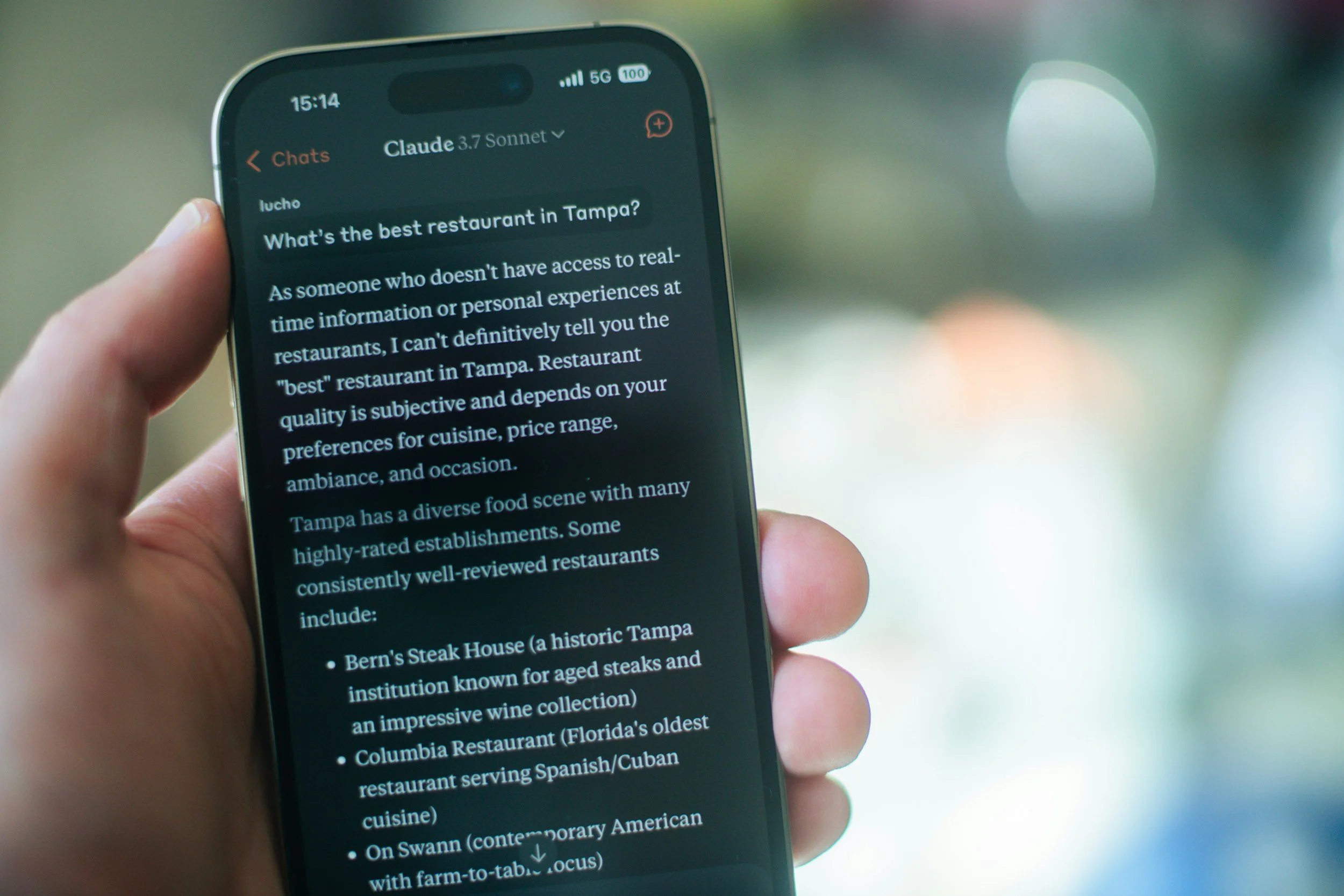
Claude by Anthropic is particularly strong in tasks that require more complex reasoning, analysis of long documents, and long-form writing. Its free version has daily usage limits, but within those limits, it produces high-quality results for tasks such as reviewing contracts, analyzing proposals, and generating long-form content like articles or guides.
For Creating Images and Visual Content
Canva with AI has completely transformed what’s possible for entrepreneurs without a design background. Its AI features include generating images from text descriptions, automatic background removal, smart resizing for different formats and platforms, and generating variations of the same design. The free version includes limited access to these features, while the paid version—around $13 per month—unlocks full access.
Adobe Express is Adobe’s alternative to Canva and has also incorporated significant AI features in its latest version. It offers a solid free version and is especially strong when integrated with other Adobe products.
Microsoft Designer is integrated into the Microsoft ecosystem and offers AI-powered image and design generation. For users already on Microsoft 365, this tool is available at no additional cost and can produce professional-quality marketing visuals in minutes.
Ideogram and Adobe Firefly are specialized tools for generating images with well-integrated text—something other image generators often struggle with. For marketing materials that require visually cohesive text overlays, these tools deliver superior results. Both offer free versions with monthly usage limits.
For Creating Video Content
CapCut has become the most popular video editing tool among independent content creators—and for good reason. Its free version includes AI features that previously required expensive professional software: automatic background removal, audio transcription turned into subtitles, automatic subtitle translation, video stabilization, and image quality enhancement tools. For Reels, TikToks, and short-form videos of any kind, the free version is incredibly complete.
Descript is the most powerful audio and video editing tool for podcast and long-form video creators. Its most revolutionary feature is that it allows editing by modifying the transcript text—eliminating the need to learn traditional video editing. Delete a word in the transcript, and the corresponding audio and video segment disappears automatically. It offers a free version with recording limits and paid plans starting at $12/month.
Opus Clip takes long-form videos—like interviews, classes, or presentations—and automatically identifies and extracts the most engaging segments, turning them into short clips optimized for social media. It’s especially useful for creators looking to maximize distribution without spending hours editing. It offers a limited free version and paid plans starting at $9/month.
For Automating Tasks and Workflows
Zapier is the most well-known automation tool and allows hundreds of apps to connect and perform tasks automatically without human intervention. Examples: when someone fills out a form on your website, they’re automatically added to your email list and you receive a notification. When you post on Instagram, it’s automatically shared on Facebook. When someone makes a purchase, an invoice is generated and sent. Its free version allows up to 100 automations per month—enough to start seeing real impact.
Make (formerly Integromat) is an alternative to Zapier with more flexibility for complex automations. Its free version is more generous in terms of included operations.
Notion AI integrates artificial intelligence directly into Notion, already one of the most popular organization tools among independent entrepreneurs. It can summarize meeting notes, generate tasks from natural language descriptions, create templates, and help organize information more efficiently. The AI add-on costs $8/month on top of the base plan.
For Customer Service Management
Tidio is a live chat and AI chatbot platform that allows businesses to automatically respond to frequently asked questions 24/7. For businesses that receive repetitive inquiries about pricing, availability, delivery times, or purchase processes, a well-configured chatbot can handle 60% or more of those queries automatically—freeing up time for personalized responses. It offers a free version with basic features.
ManyChat specializes in automating conversations on Instagram and Facebook Messenger. It allows automatic responses to DMs, conversation flows to qualify leads, and scheduled messages to subscriber lists. Its free version covers up to 1,000 active contacts per month.
For Organizing and Analyzing Information
Perplexity AI is an AI-powered search engine that provides direct answers with cited sources instead of a list of links. For basic market research, understanding industry trends, or finding specific information quickly, it’s far more efficient than traditional search. Its free version is powerful enough for most use cases.
Otter.ai automatically transcribes meetings, calls, and conversations. For entrepreneurs who regularly meet with clients or collaborators, it eliminates the need for manual note-taking and ensures no important detail is missed. It works in real time and integrates with Zoom, Google Meet, and Microsoft Teams. Its free version includes up to 600 minutes of transcription per month.
Gamma generates presentations, documents, and web pages automatically from a prompt. Instead of building slides one by one in PowerPoint, you describe what you want, and Gamma creates a visually coherent presentation that you can edit and customize. It significantly reduces production time—from hours to minutes. It offers a free version with full functionality and limits on the number of documents per month.
How to Get Started Without Feeling Overwhelmed
The number of available tools can feel overwhelming when seen all at once. The most effective strategy isn’t to implement everything at the same time.
Instead, identify the task that consumes the most time in your business—the one you dislike the most, the one you always postpone because it feels too demanding.
That’s your starting point.
Implement one tool. Use it for two weeks until it becomes a habit. Measure how much time it saves you. Then add the next one.
This incremental approach delivers real results without the paralysis of trying to change your entire workflow at once.
Technology That Democratizes
There’s something worth highlighting as we close this article, because it defines why this moment is especially significant for Latina entrepreneurs.
For most of history, the most powerful tools were reserved for those with more resources. Large marketing budgets, design teams, sophisticated automation systems—all required investments that most small entrepreneurs couldn’t afford.
That is changing. Not completely, and not for everyone. But the direction is clear.
AI tools are compressing the gap between a resource-limited entrepreneur and a fully staffed company in a way that has never happened before.
A Latina entrepreneur with access to the right tools can create content, automate processes, analyze information, and serve customers with an efficiency that, just five years ago, would have required a team of four or five people.
That’s the conversation worth having.
Not whether technology will replace human work—but how it can amplify what one creative, committed person with something real to offer the world can do.