

How to Protect Your Digital Privacy in the Summer: What Happens to Your Data When You Use Travel Apps, Maps, and Public Networks
Summer is the season of greatest mobility, increased use of travel and mapping apps, and more frequent connections to unfamiliar Wi-Fi networks in hotels, airports, cafés, and tourist destinations. It is also the season when people tend to be less vigilant about their devices: connecting to public networks without thinking too much, granting permissions to apps downloaded specifically for a trip without reviewing what they request, and generally operating with the relaxed mindset of vacation, which can lead to lapses in caution that are less common during a more structured work year.
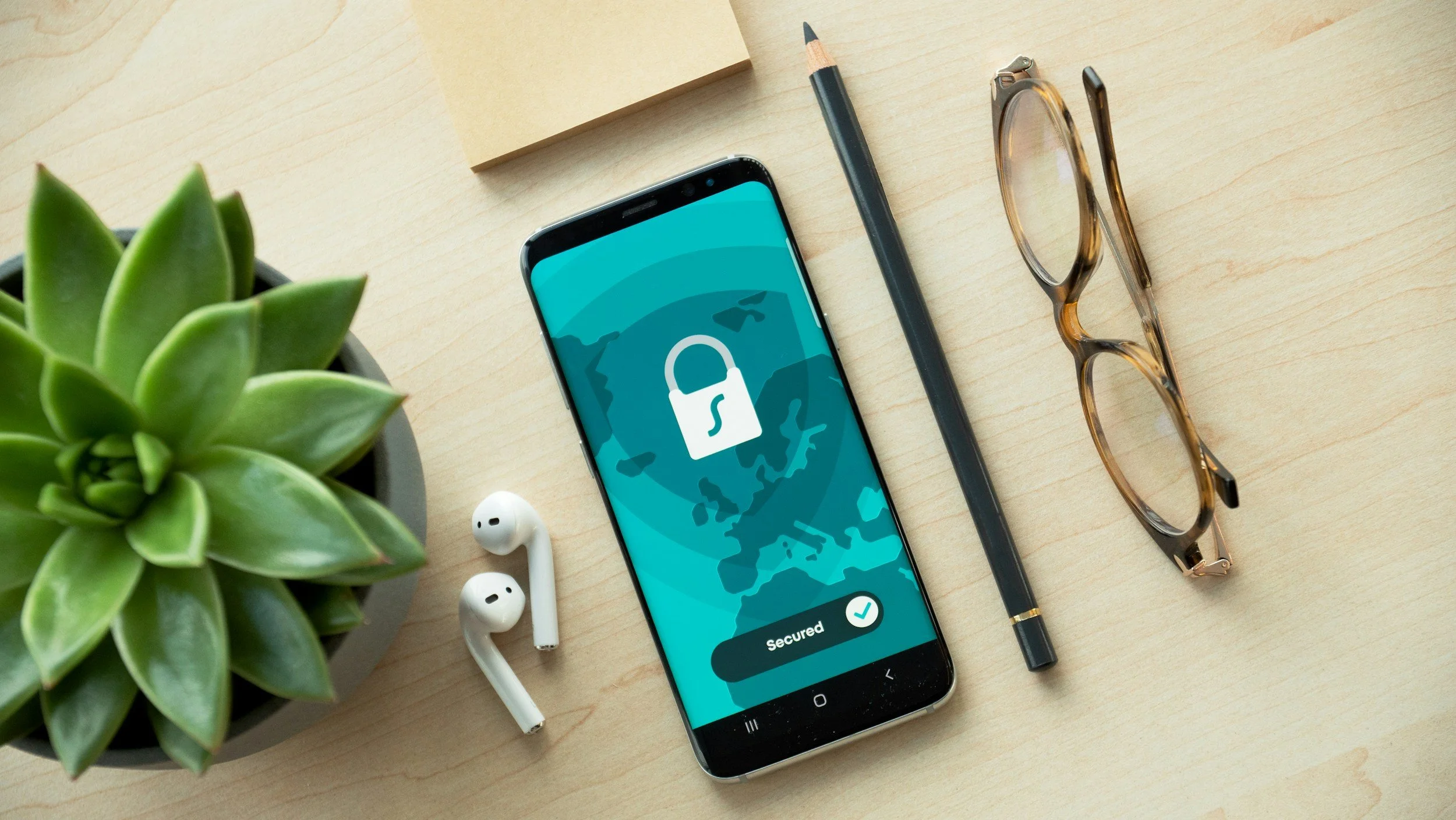
What Happens to Your Data When You Use Travel Apps
Flight and hotel apps collect information about the searches you make, including destinations you explore even if you don't book them, price ranges, and the type of accommodation you're interested in. The price displayed may vary based on your search history: repeatedly searching for the same flight can result in higher prices because algorithms may interpret repeated interest as a greater willingness to pay. The most effective strategy for avoiding this effect is to search using your browser's incognito mode or clear your cookies before searching again. Google Maps, under its default settings, continuously records the device's location history when the feature is enabled, creating a detailed record of every place visited during the trip.
Public Wi-Fi Networks: The Real Risk and the Exaggerated Risk
In 2026, most web traffic is encrypted using HTTPS, which means that even on a password-free public Wi-Fi network, information transmitted through HTTPS websites is protected from interception by most attackers without advanced technical resources.
Practices that reduce the actual risk include: verifying that the network you're connecting to is genuinely the hotel's or business's official network by asking staff for the exact network name; avoiding banking or financial services over public Wi-Fi and instead using your phone's mobile data; and using a VPN if privacy is a priority while traveling. ExpressVPN, NordVPN, and ProtonVPN are among the most reliable options available, with prices ranging from approximately $5 to $12 per month.
The Permissions Requested by Apps You Install for Travel
Apps downloaded specifically for a trip frequently request permissions that go far beyond what their primary function actually requires. The permissions most commonly granted automatically without consideration—and that are most often unnecessary—include access to contacts, microphone access when the app has no voice-related function, and background location access when the app only needs your location while actively in use.
Deleting travel apps that you won't use again after the trip is a simple digital hygiene practice that reduces your data-collection exposure without sacrificing functionality.
Digital Privacy in the Summer as Hygiene, Not Paranoia
Someone traveling in the summer with a few basic digital hygiene practices—reviewing permissions for new apps, avoiding banking transactions over public networks, using incognito mode when searching for prices, and deleting travel apps after returning home—can reduce exposure to the most common risks without sacrificing any of the conveniences that make digital travel what it is.
That combination of convenience and basic awareness is exactly the right balance for most people in most summer situations.